Move your business from a notebook to a clear system
We implement CRM, MoySklad inventory and AI employees. We explain everything with live examples, without jargon, and set it up around how your business actually works.
One week at a furniture store: notebook vs CRM
This is how many businesses track leads. Switch to CRM and see what changes for the very same customers.
New lead2
In progress2
Quote sent2
Awaiting payment1
Won2
What a CRM is, explained without jargon
A CRM is a shared notebook for your whole sales team. Only smart. Here are the three big differences from a paper notebook:
It reminds you
Every lead has a next step and a time. Nobody can forget: the system reminds the salesperson, and if they miss it, it tells the manager.
At 3 pm a reminder pops up: "Call Aziz, he asked for a wardrobe invoice".
It stays when people leave
Customers, chats and calls belong to the company, not to an employee’s personal phone.
A salesperson quits - the new one opens the customer card and sees the full history in a minute.
It shows the whole picture
The owner sees how many leads came in, how many bought, how much money is in play and where customers drop off.
In the evening, from a phone: revenue, pipeline and each salesperson’s work.
The path of one lead: from message to payment
What happens inside a CRM when a customer writes on Telegram. Steps play automatically, or flip through them yourself.
- Source
- Telegram
- Request
- Corner sofa
- District
- Chilanzar
- Budget
- ~UZS 8.5M
- Owner
- Malika
- Leads
- 164
- Sales
- 41
- Conversion
- 25%
- Average order
- UZS 10M
How much a business loses without a system
Move the sliders to match your business. The math is simple and honest: how many leads get lost and how many of them would have bought.
Revenue missed per month
0
In our audits, businesses without a CRM lose 20-40% of incoming leads. The typical figure is 25%.
What it looks like in your industry
Pick a similar business: we’ll show the sales stages, what the system takes over and the usual result.
Leads arrive via Instagram, Telegram and phone. Measurements are written in a notebook, deposits get forgotten, customers go to competitors.
Sales stages in the CRM
What the system does
- Instagram and Telegram messages go straight into the CRM
- Measuring appointments with reminders for staff and customer
- Quotes from a template in 2 minutes
- Production and delivery deadlines under control
Result: no lost leads, and the owner sees how many orders are in production and how much money is due.
Salespeople keep clients on their own phones, everyone has their own prices, and dealer debts are counted in Excel once a month.
Sales stages in the CRM
What the system does
- One price list with discounts by client type
- Invoices and tax invoices without manual typing
- Warehouse stock visible right inside the deal
- Reorder reminders based on each client’s schedule
Result: the client base belongs to the company, debts are visible daily, reorders are never forgotten.
The receptionist writes patients in a logbook, nobody tracks follow-up visits, and some calls go unanswered.
Sales stages in the CRM
What the system does
- Bookings with Telegram reminders for patients
- Missed calls instantly become tasks
- Follow-up visits and treatment courses tracked
- Reports on doctors and room load
Result: fewer no-shows and missed calls, follow-up visits under control.
Parents write in different messengers, few trial lessons turn into payments, and monthly fees are collected by hand.
Sales stages in the CRM
What the system does
- Trial lesson booking with reminders
- Automatic payment reminders
- Attendance and group tracking
- Telegram updates for parents
Result: more students after trial lessons, payments arrive on time.
Marketplace and warehouse stock don’t match, items run out unexpectedly, and profit per product is unclear.
Sales stages in the CRM
What the system does
- Uzum orders and store sales draw from one stock
- Alerts when it’s time to reorder
- Cost and profit after marketplace fees
- IKPU codes and marking in documents
Result: no selling at a loss or empty listings, real profit visible for every product.
These are the standard templates we start projects from. For your business we set up stages and automations individually.
Your sales team will push back. That’s normal
We hear it on every project. Here’s what employees usually say and how we answer.
We’ve worked like this for 10 years. Why change?
Because leads are being lost right now and nobody sees it. In the first week we’ll show, with your own numbers, how many inquiries went nowhere.
No time to fill in a CRM.
A CRM saves time: no hunting for numbers, remembering agreements or copying notebooks. Most data fills itself in.
This is surveillance.
It’s protection. Every agreement is recorded, so there are fewer disputes. The best salespeople earn more in a CRM because their results are finally visible.
I need to sell, not click buttons.
We set it up with as few clicks as possible: leads create themselves, calls are one click, quotes come from templates. We train every salesperson personally.
The key rule we help you introduce: "if it’s not in the CRM, it doesn’t exist". Bonuses count only deals in the system, and within a month working around the CRM stops paying.
Step-by-step rollout, without stopping your business
The company keeps working as usual while we set up the system. The whole transition takes 2 to 6 weeks.
- 1 day
Free review
We call or meet and look at how sales and stock are handled today. We show where money is lost.
- 2-3 days
Plan and estimate
We fix the scope, timeline and price. No surprises along the way.
- 1-3 weeks
System setup
Sales stages, cards, access rights, document templates. We move customers and products from Excel and notebooks.
- 1-2 weeks
Integrations
We connect Telegram, Instagram, telephony, your website, Uzum, payments and inventory.
- 3-5 days
Team training
Every employee is trained on real deals, in Uzbek, Russian or English. We leave video guides.
- 1 month
Support
We stay close for the first month: answering questions and fine-tuning until the system becomes a habit.
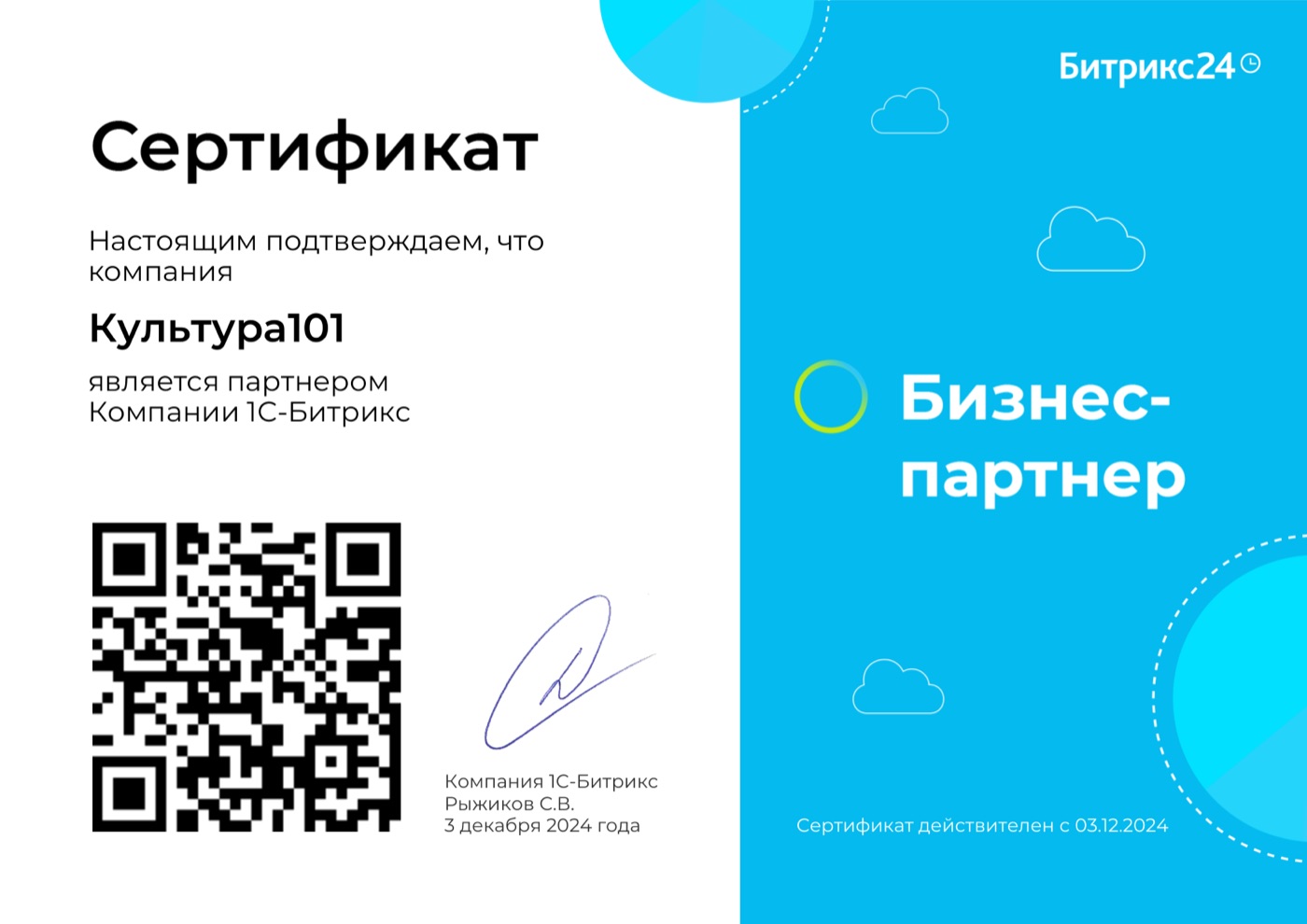
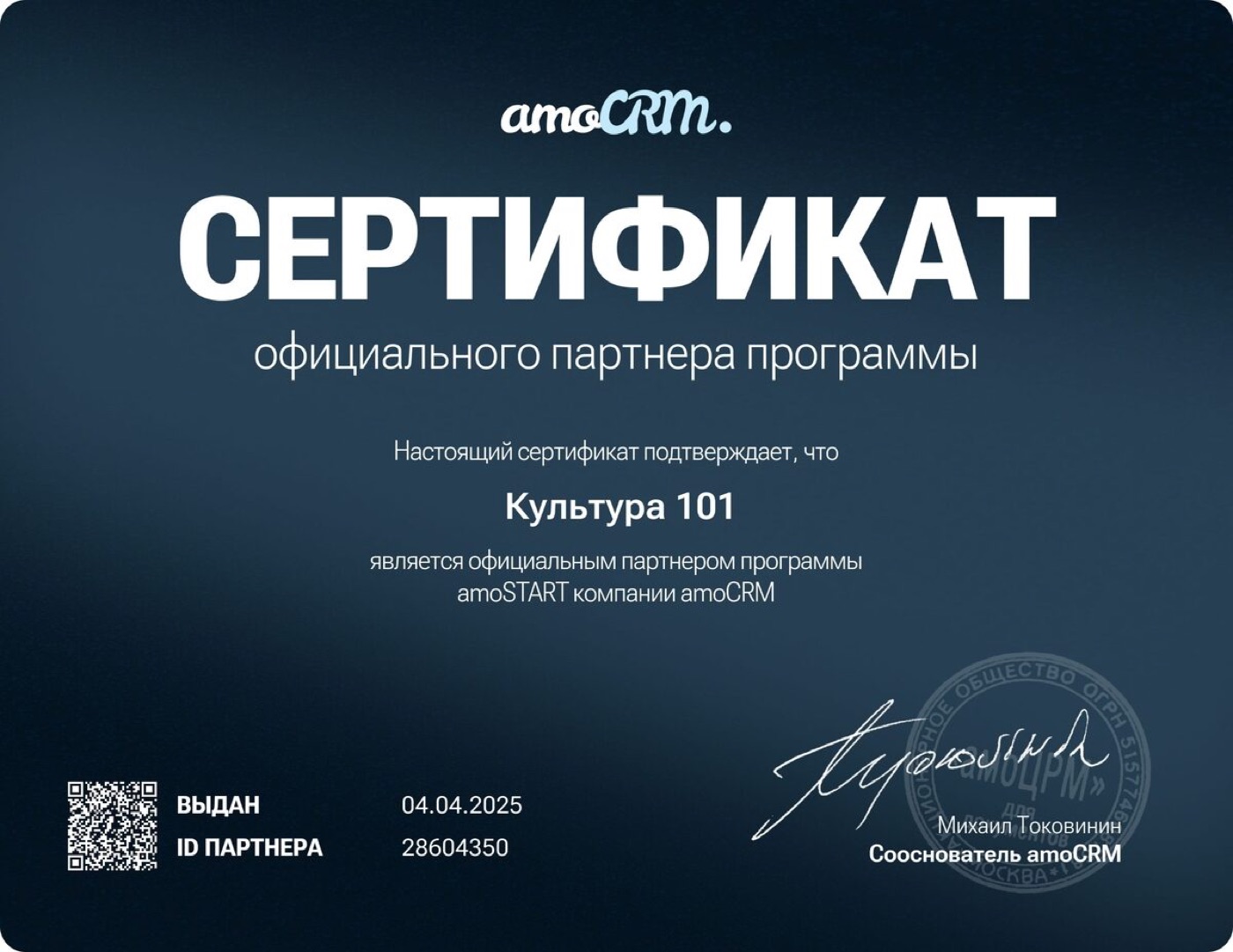
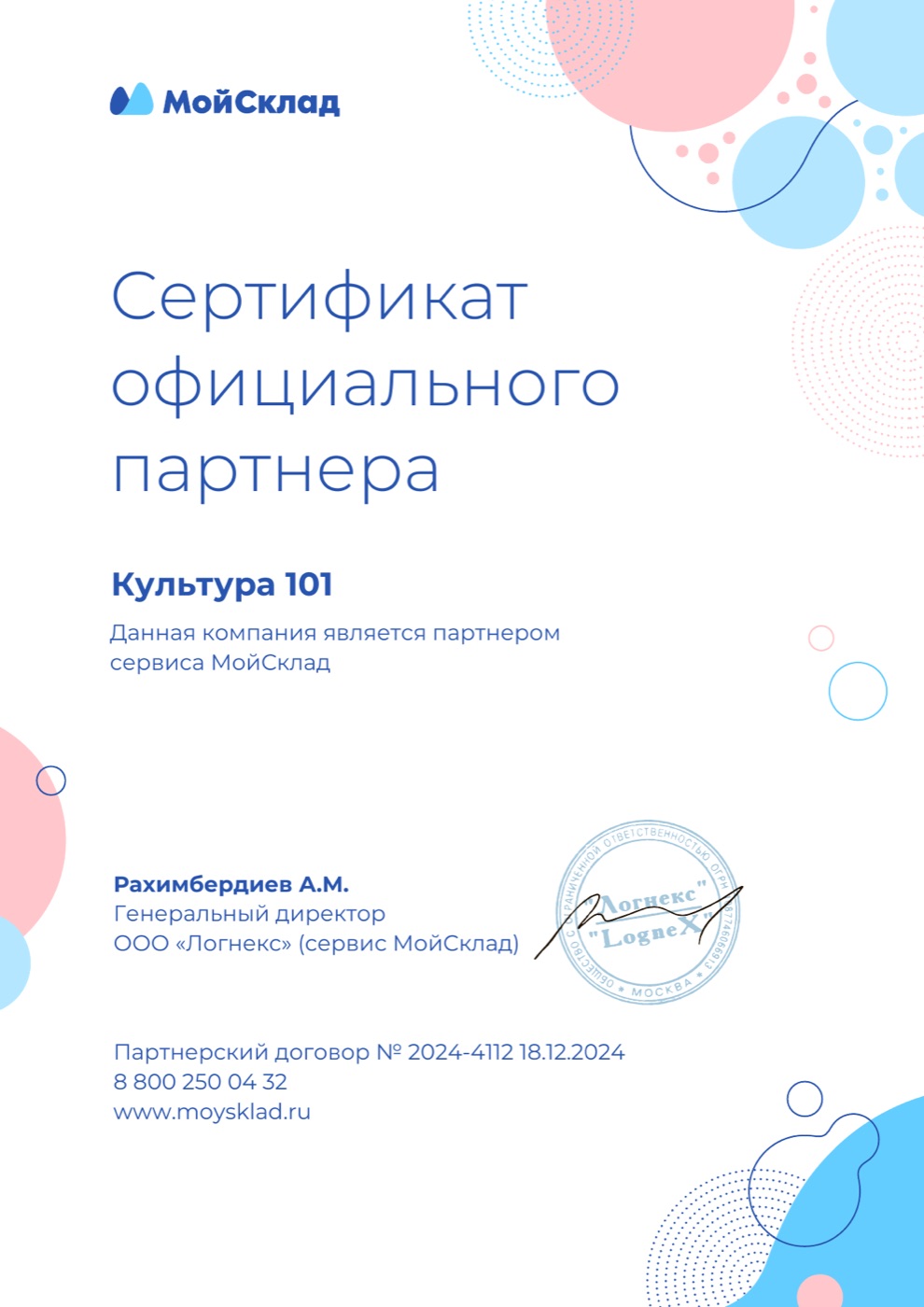
A team that has rolled out 400+ systems
Kultura 101 has been implementing CRM systems since 2020. Our Tashkent office works with local companies: meetings, training and support in Uzbek, Russian and English.
What business owners usually ask
How much does a CRM implementation cost?
We’re a small business. Do we need this?
Our staff aren’t great with computers. Will they cope?
Can we work in Uzbek?
Do you connect Uzum, Click, Payme and Didox?
What if something breaks after launch?
Where is our data stored?
We’ll show you where your business loses money
Leave a request: we’ll look at how your sales and stock are run today and show which system fits. It’s free and there’s no obligation.
- 01A 30-minute call or meetingquestions about your processes, in English, Russian or Uzbek
- 02Review and recommendationwhat to automate first
- 03Plan and estimatea fixed price and timeline, no surprises later
400+ projects · official partner of Bitrix24, amoCRM and MoySklad